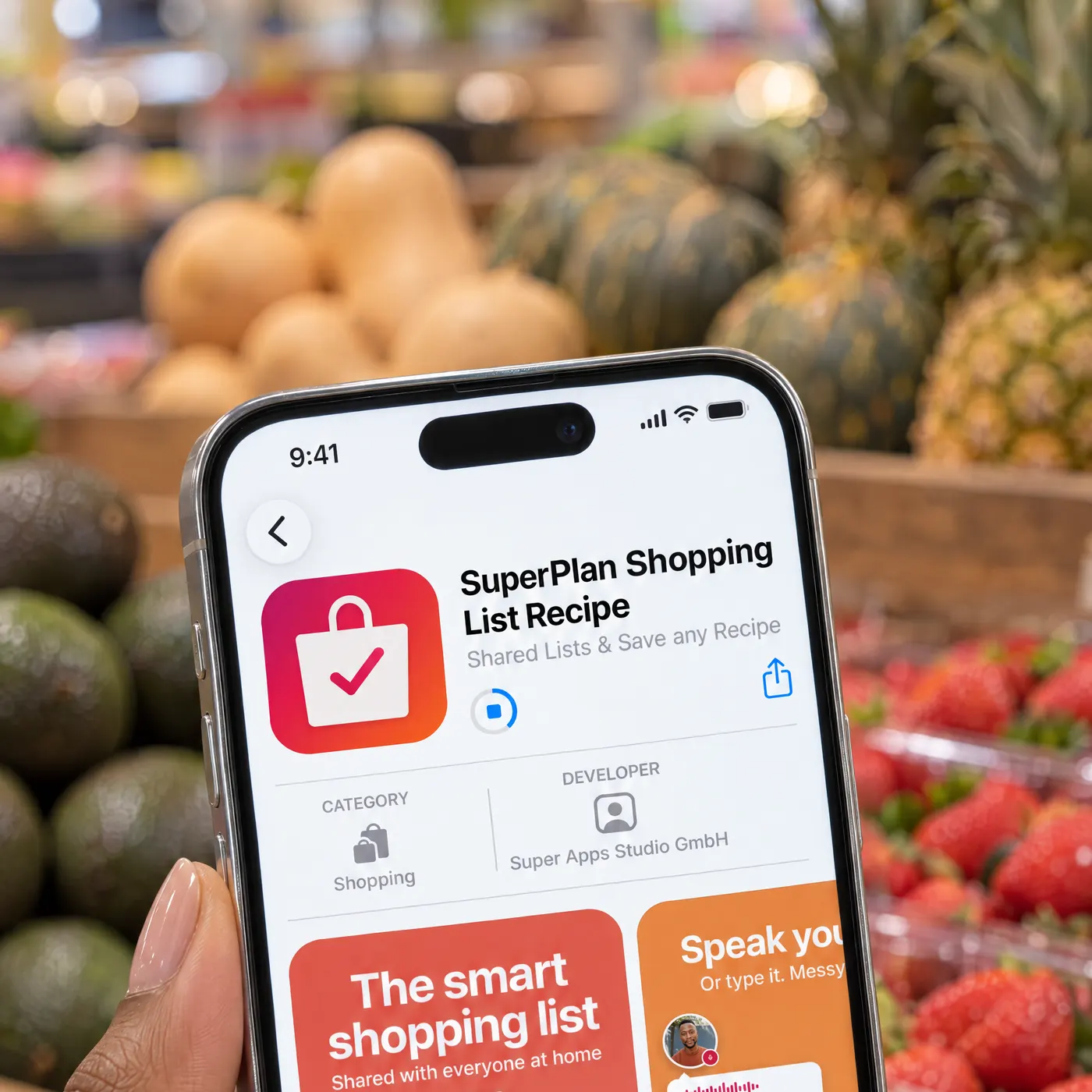
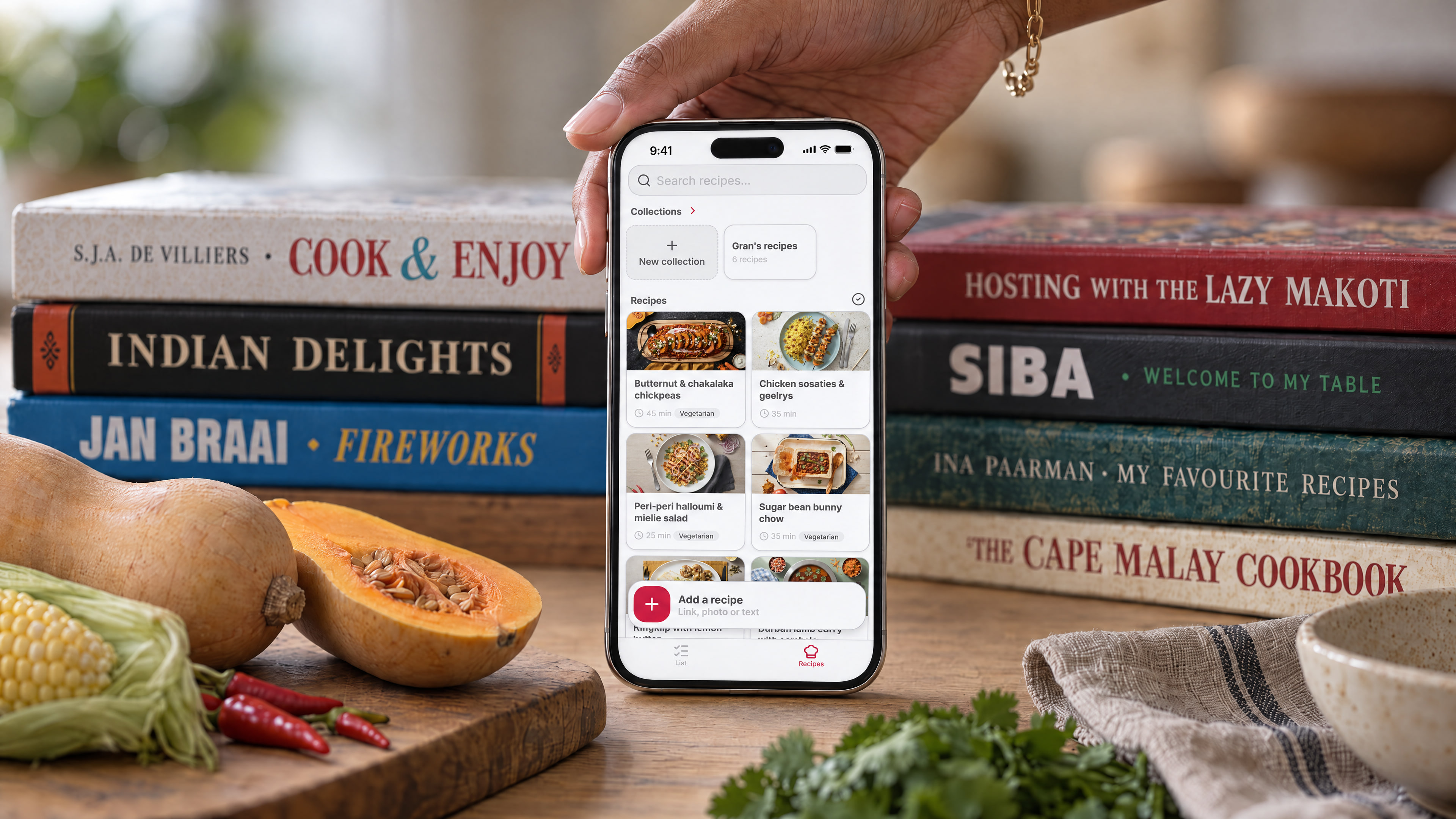
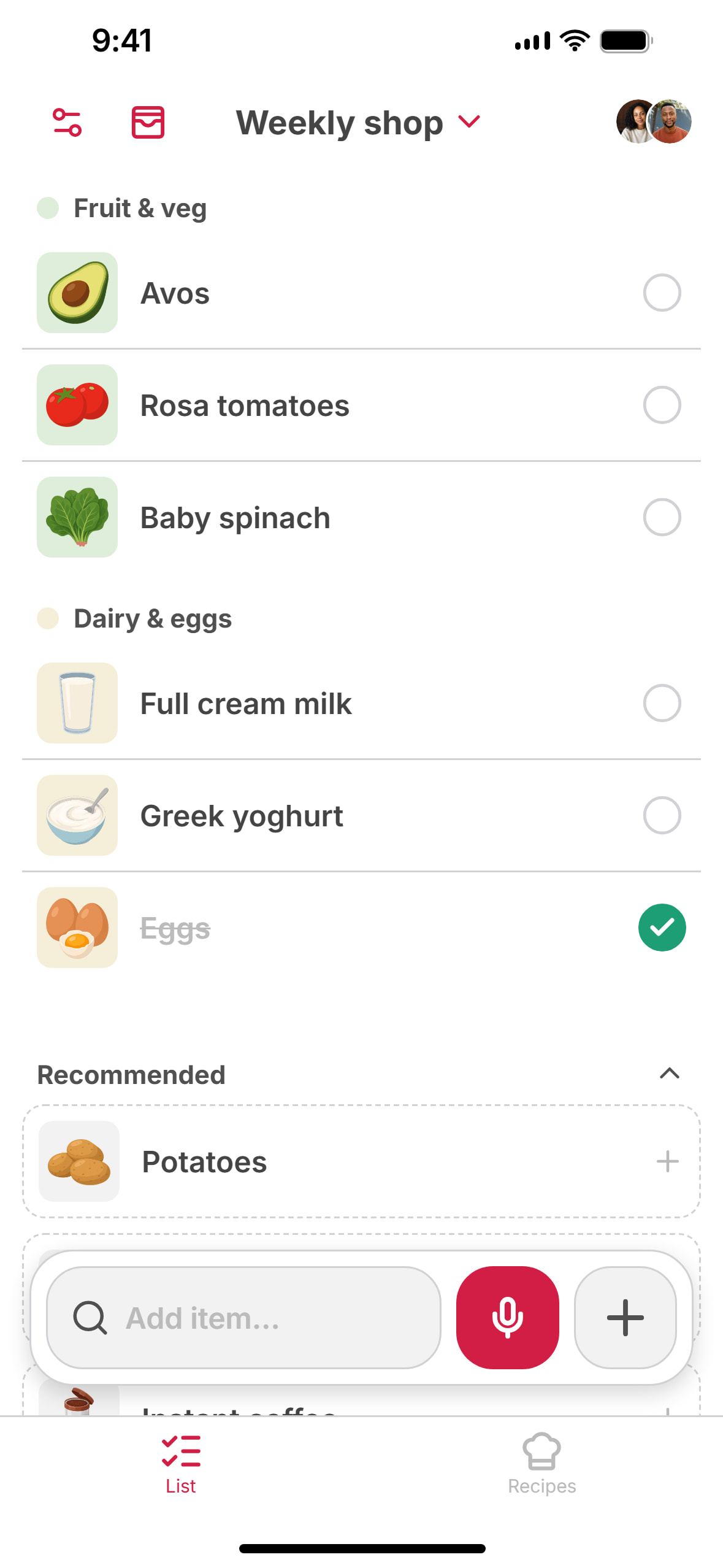
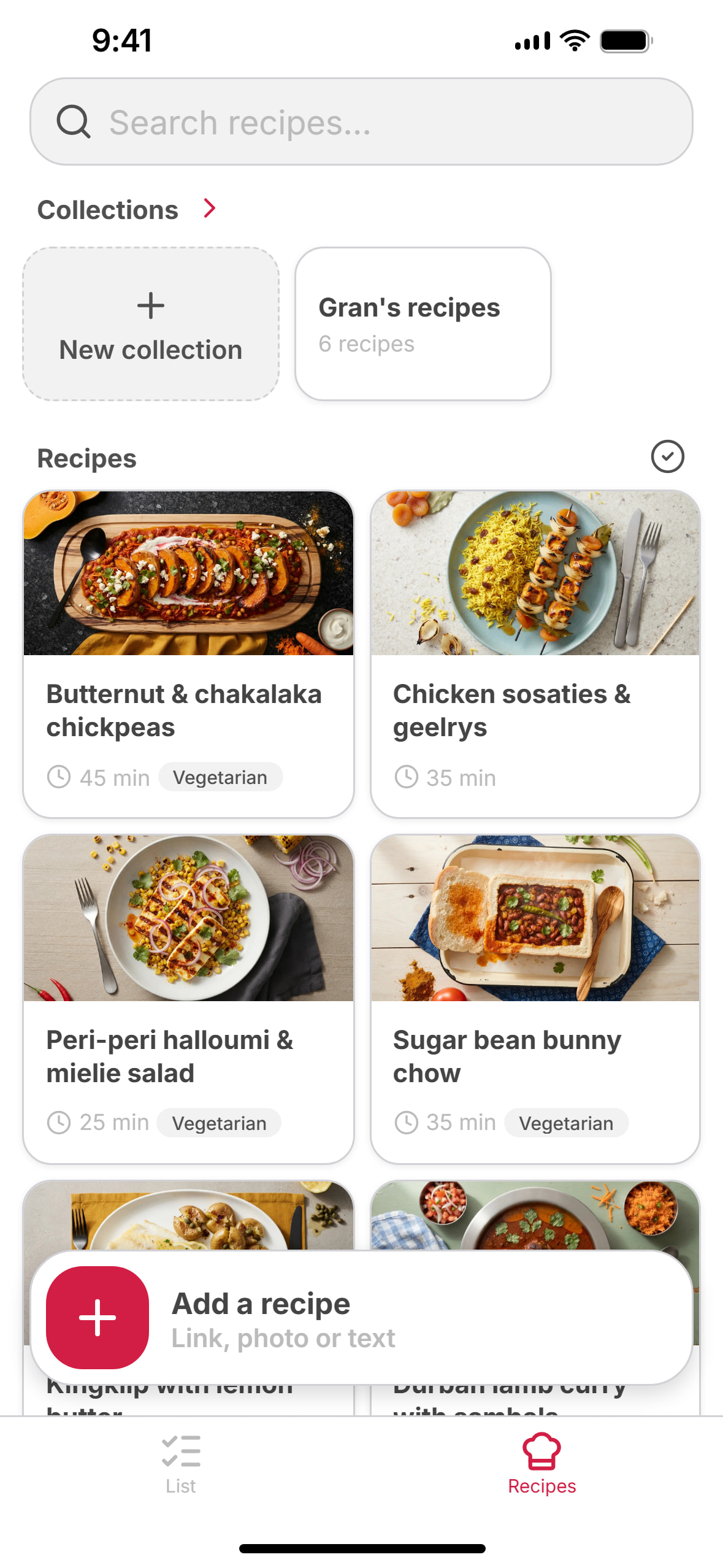
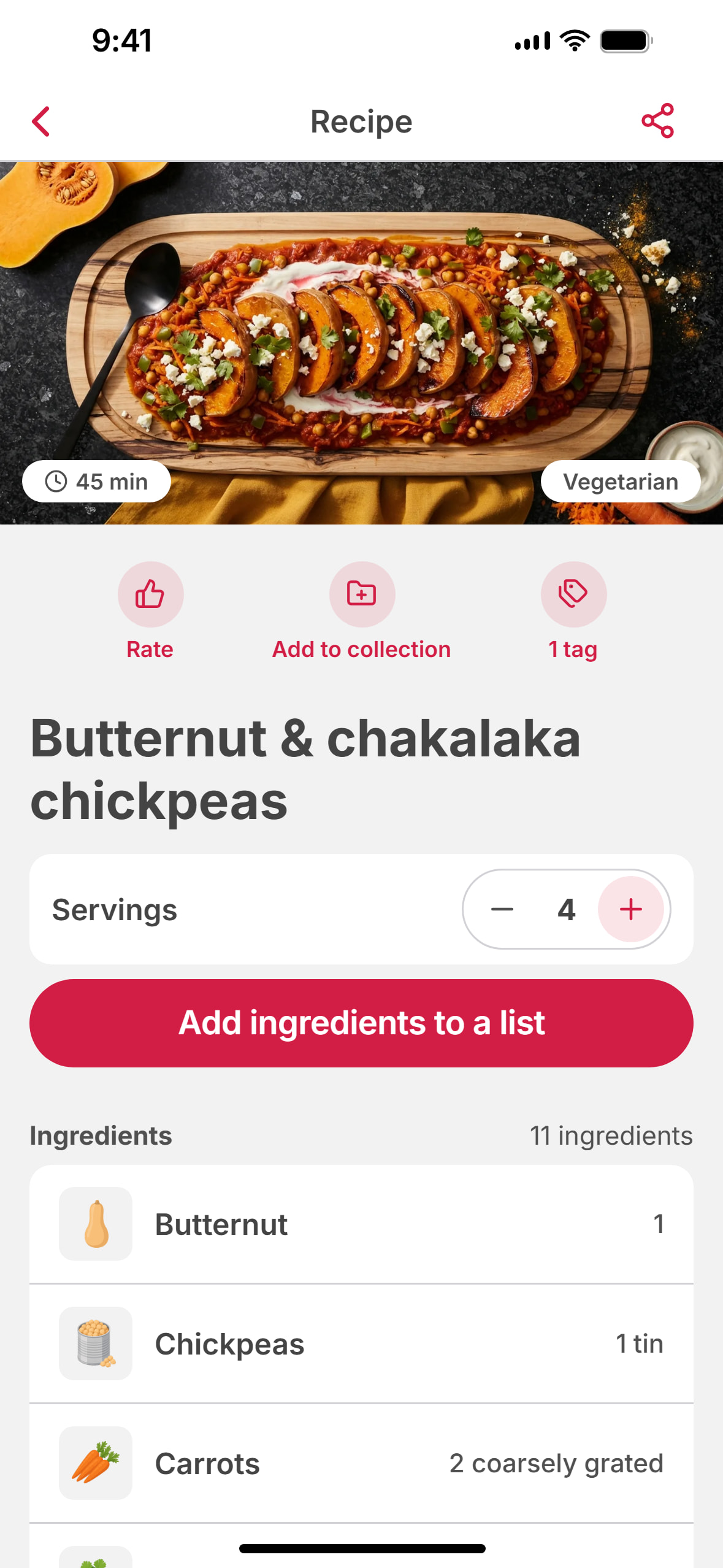
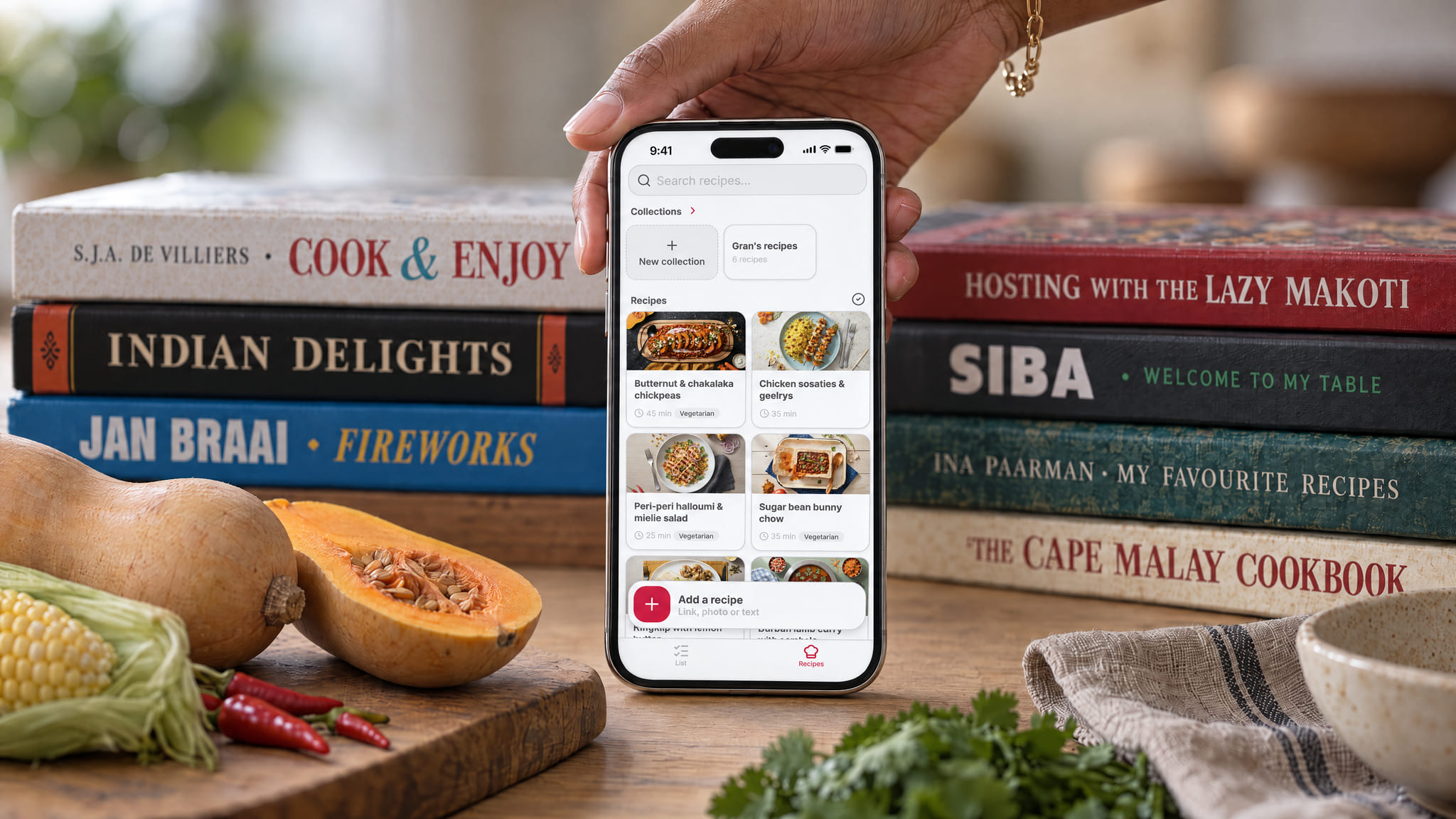
The Berlin team behind the loyalty card app SuperCards has built SuperPlan, a free shopping list with a recipe collection for iPhone and Android, available from 7 October 2026. The whole household shares the list by link, sees changes straight away and can use it offline. Items can be typed, dictated, taken from a photo of a paper list or shared from WhatsApp, voice notes included. The app’s own speech AI understands corrections like “um … five apples, no, six”. SuperPlan imports recipes from Instagram, TikTok and other platforms, and from photos of cookbook pages and handwritten recipe cards. One tap puts the ingredients on the list, scaled to the number of servings needed. The AI features come with a free weekly allowance, and a Premium subscription removes the limit. The app has no ads and works without an account.
SuperPlan: a shopping list with recipes from Instagram and Ouma’s cookbook
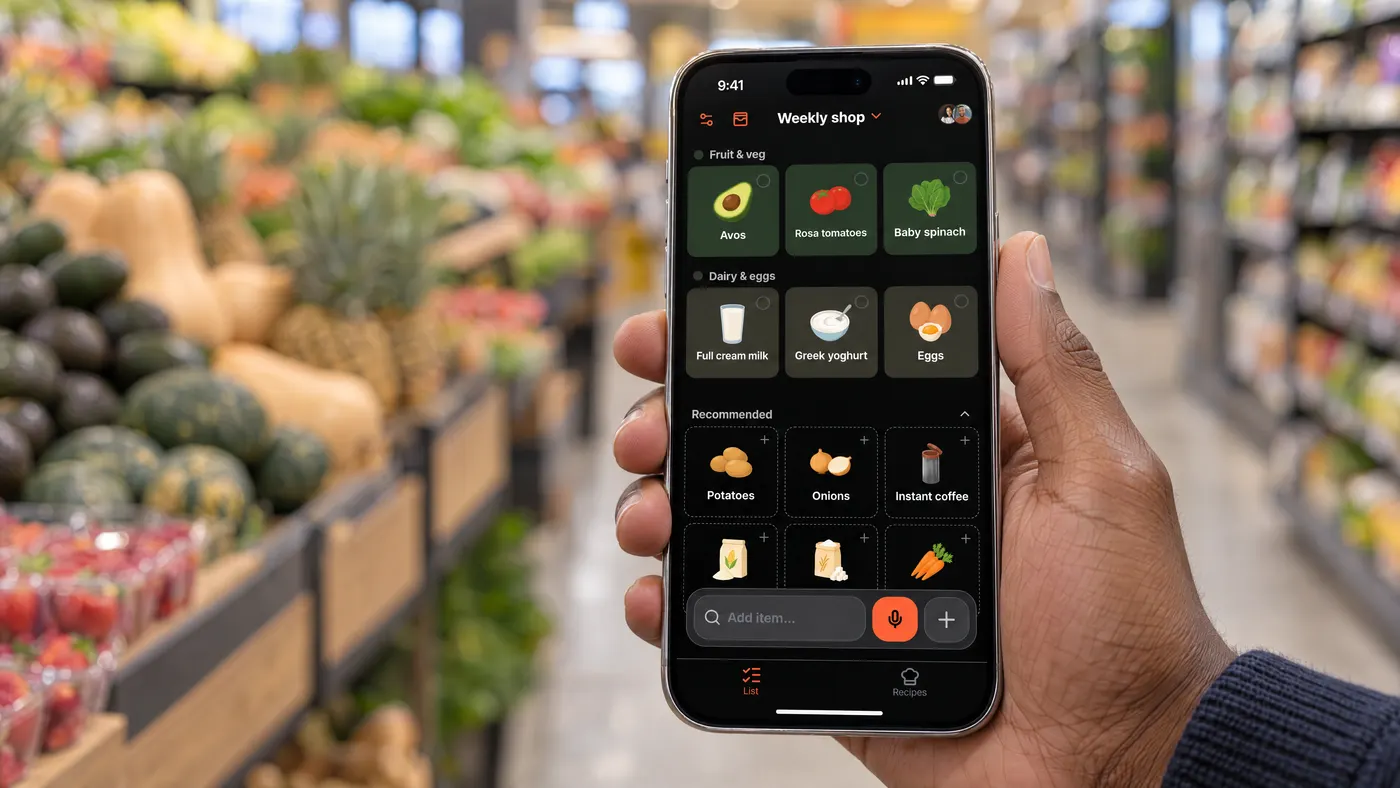
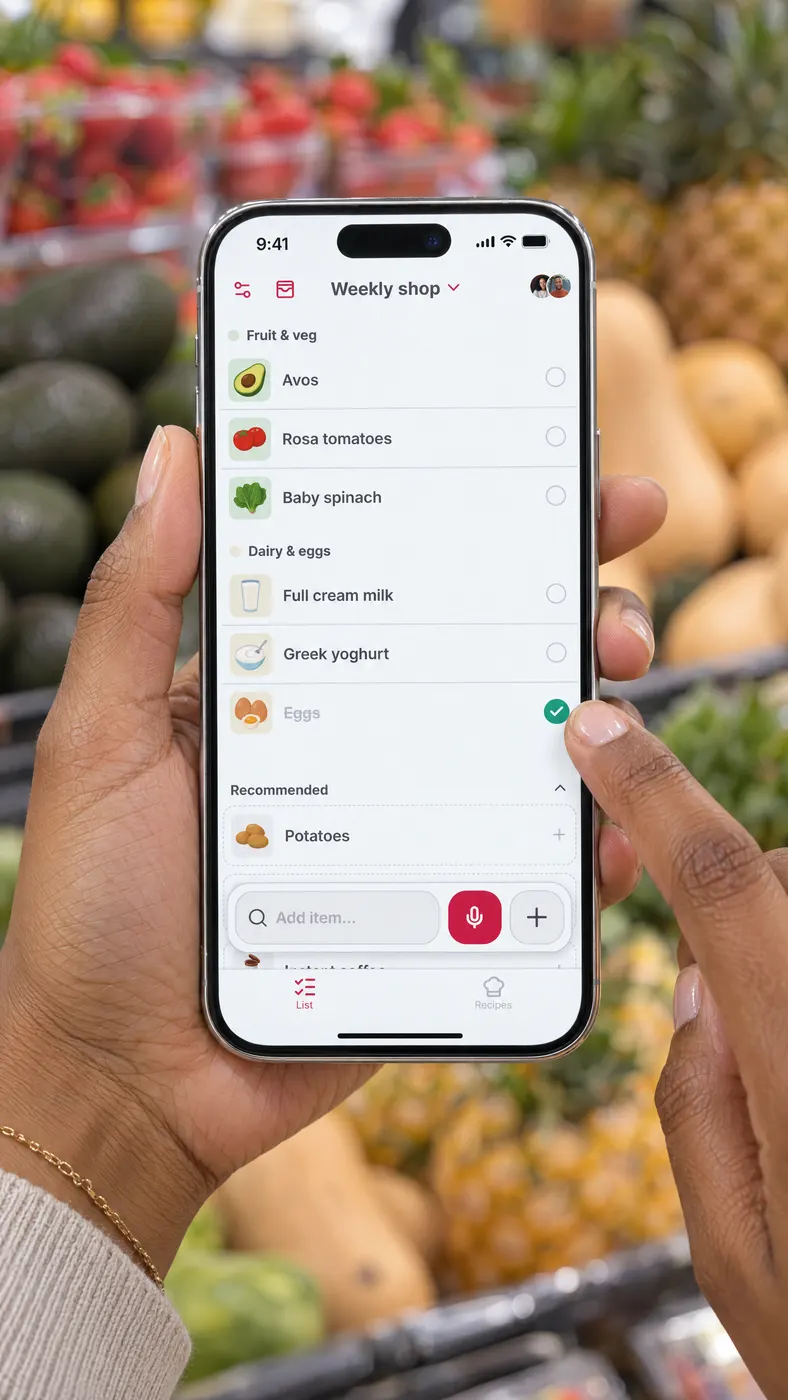
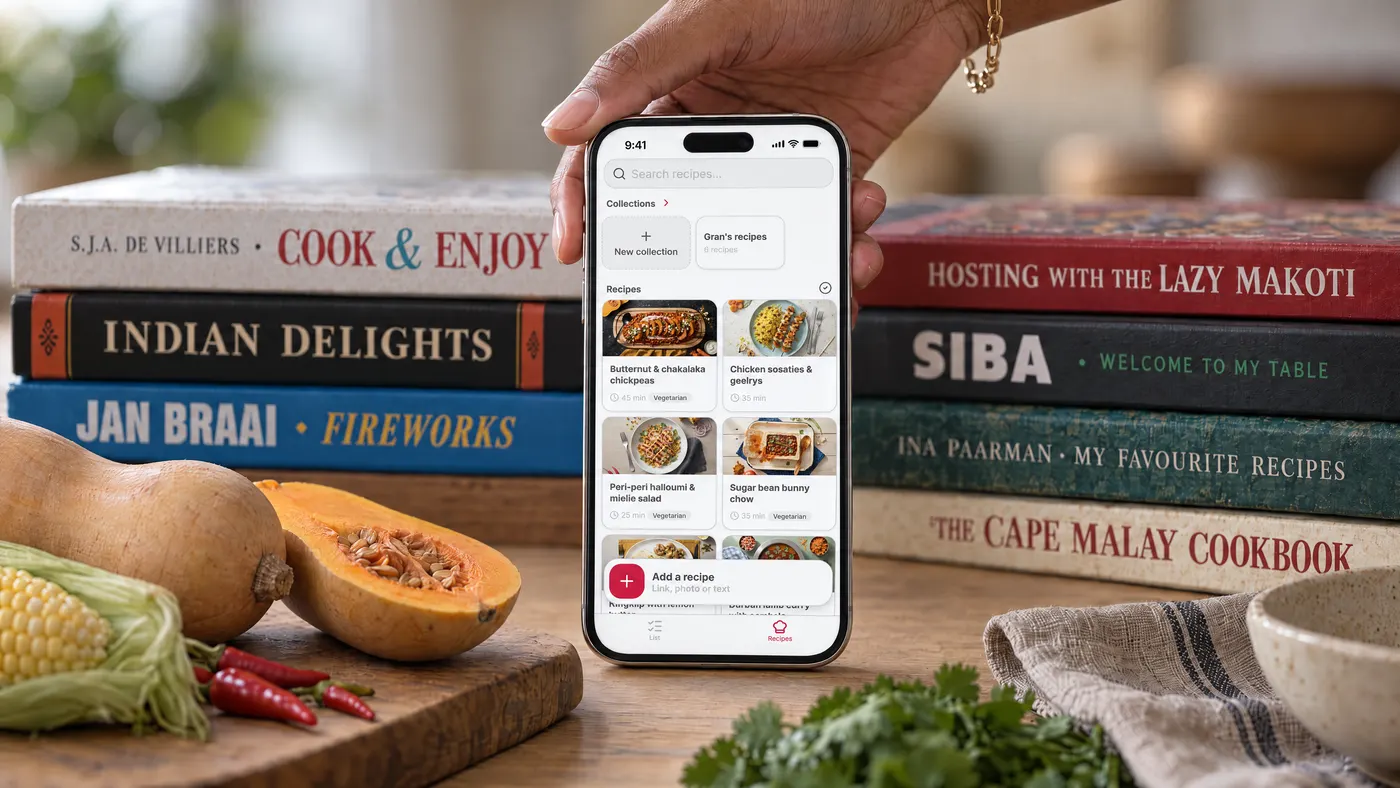
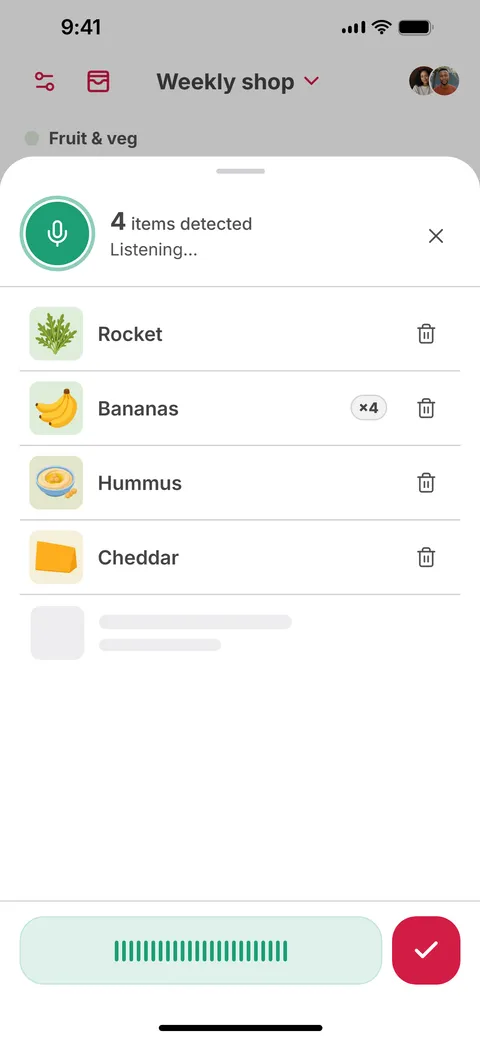
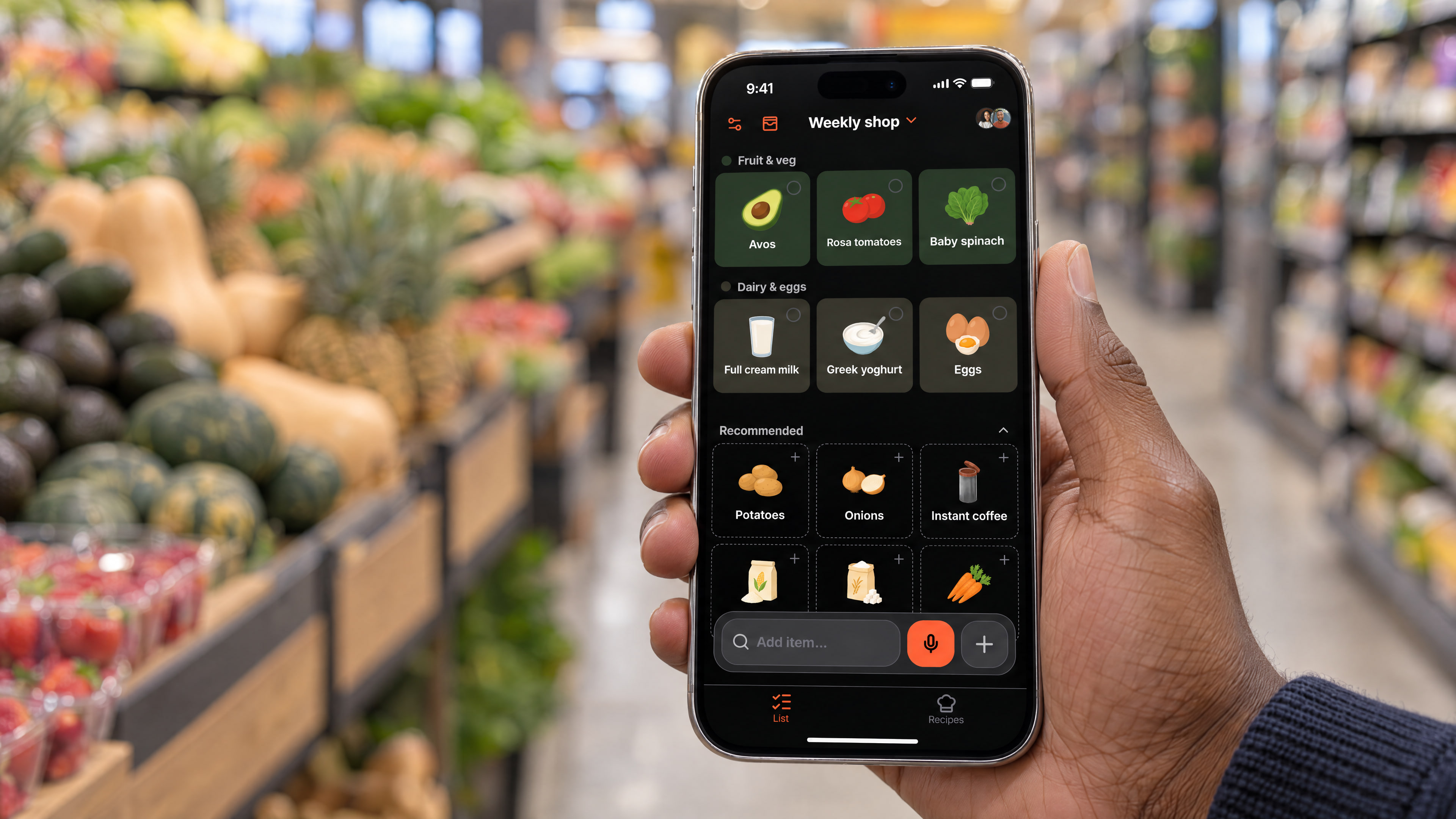
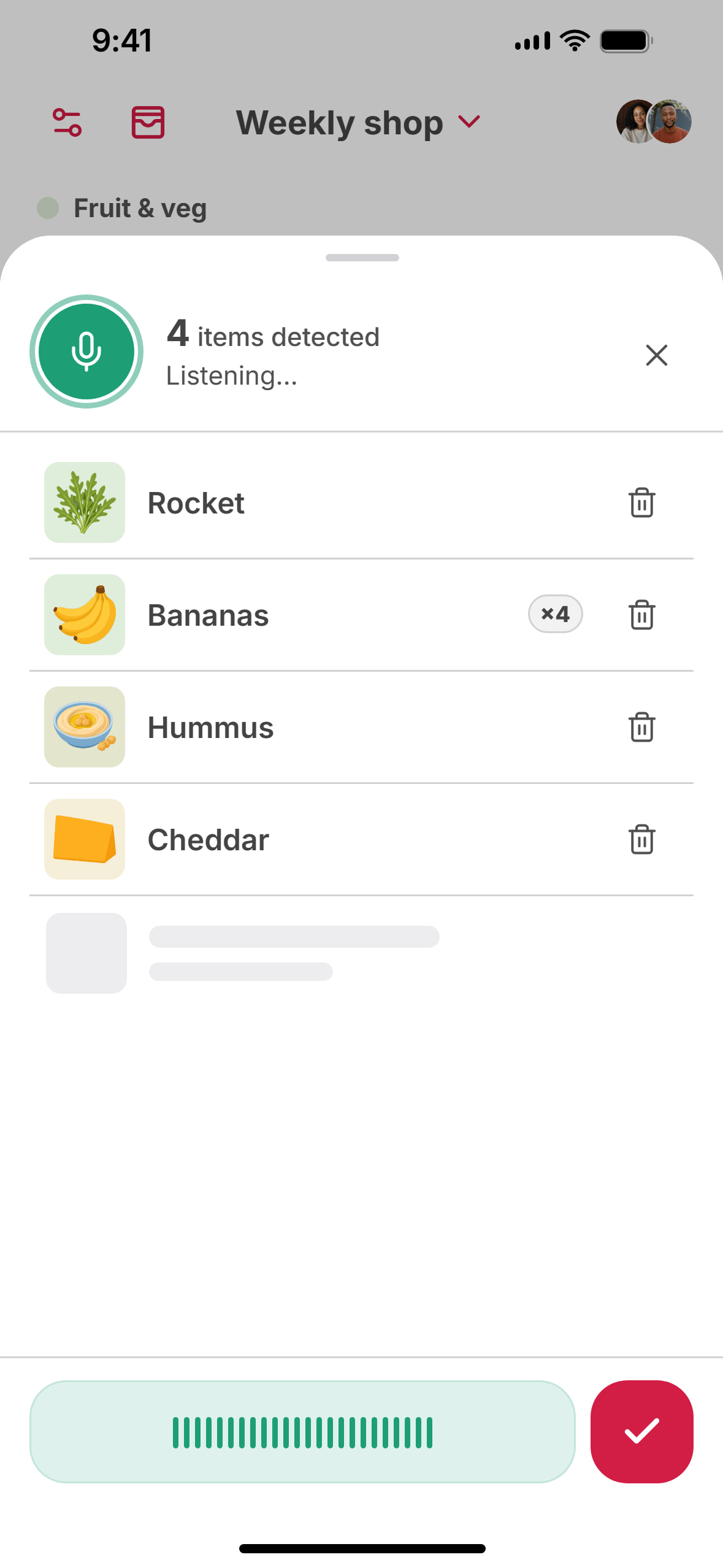
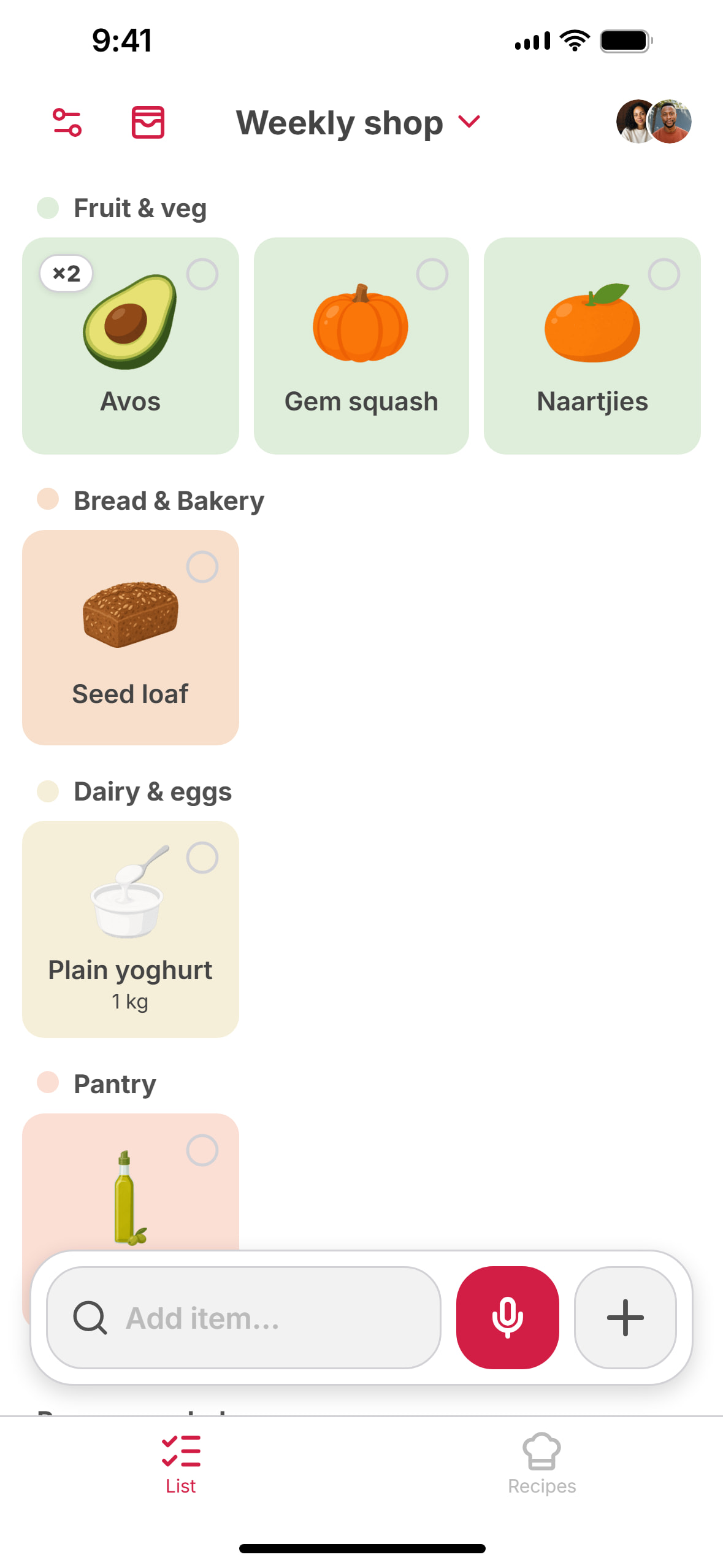
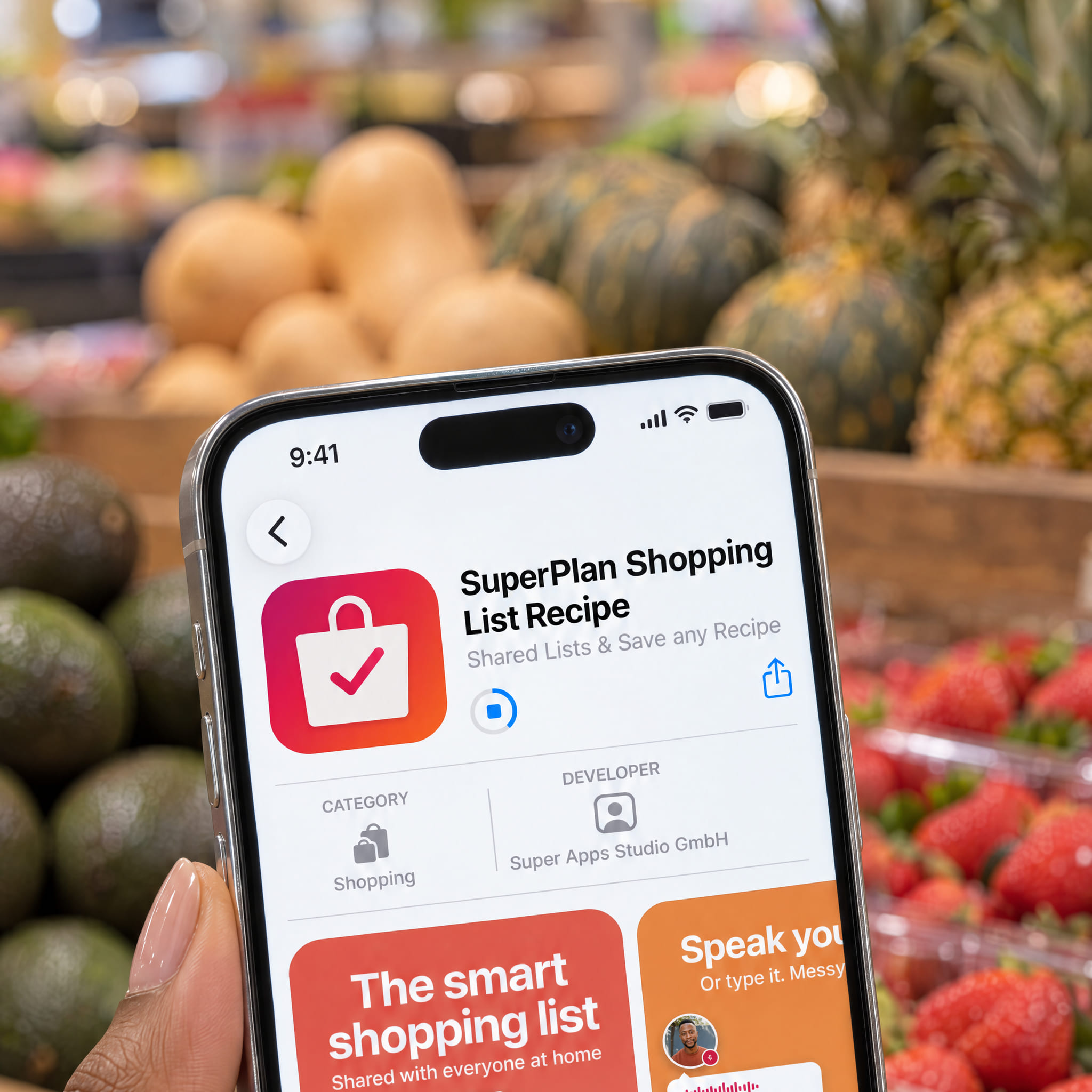
SuperPlan, a shopping list with a recipe collection, comes from the makers of the loyalty card app SuperCards. Dictated items and forwarded WhatsApp messages end up on the same list as the ingredients from recipes.
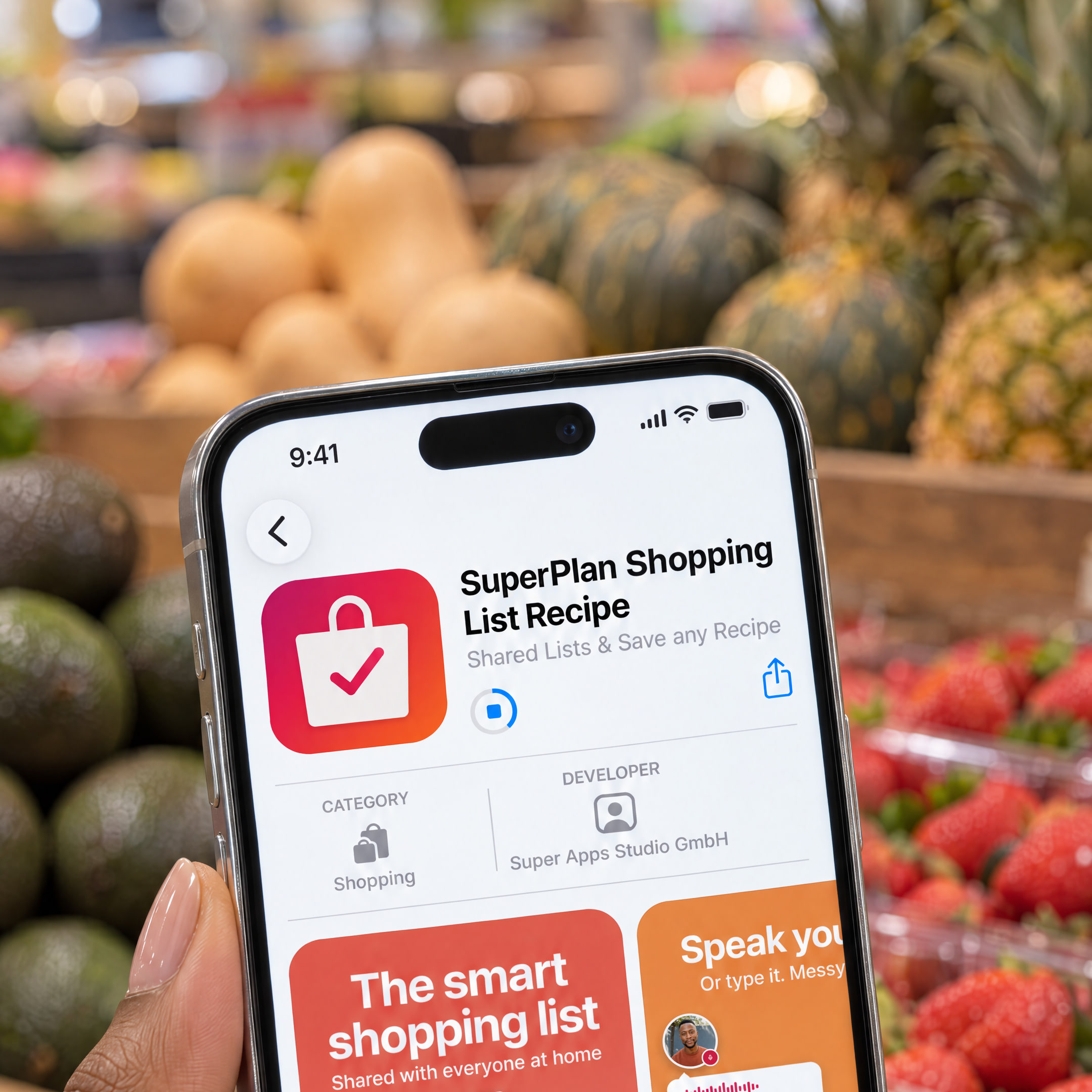
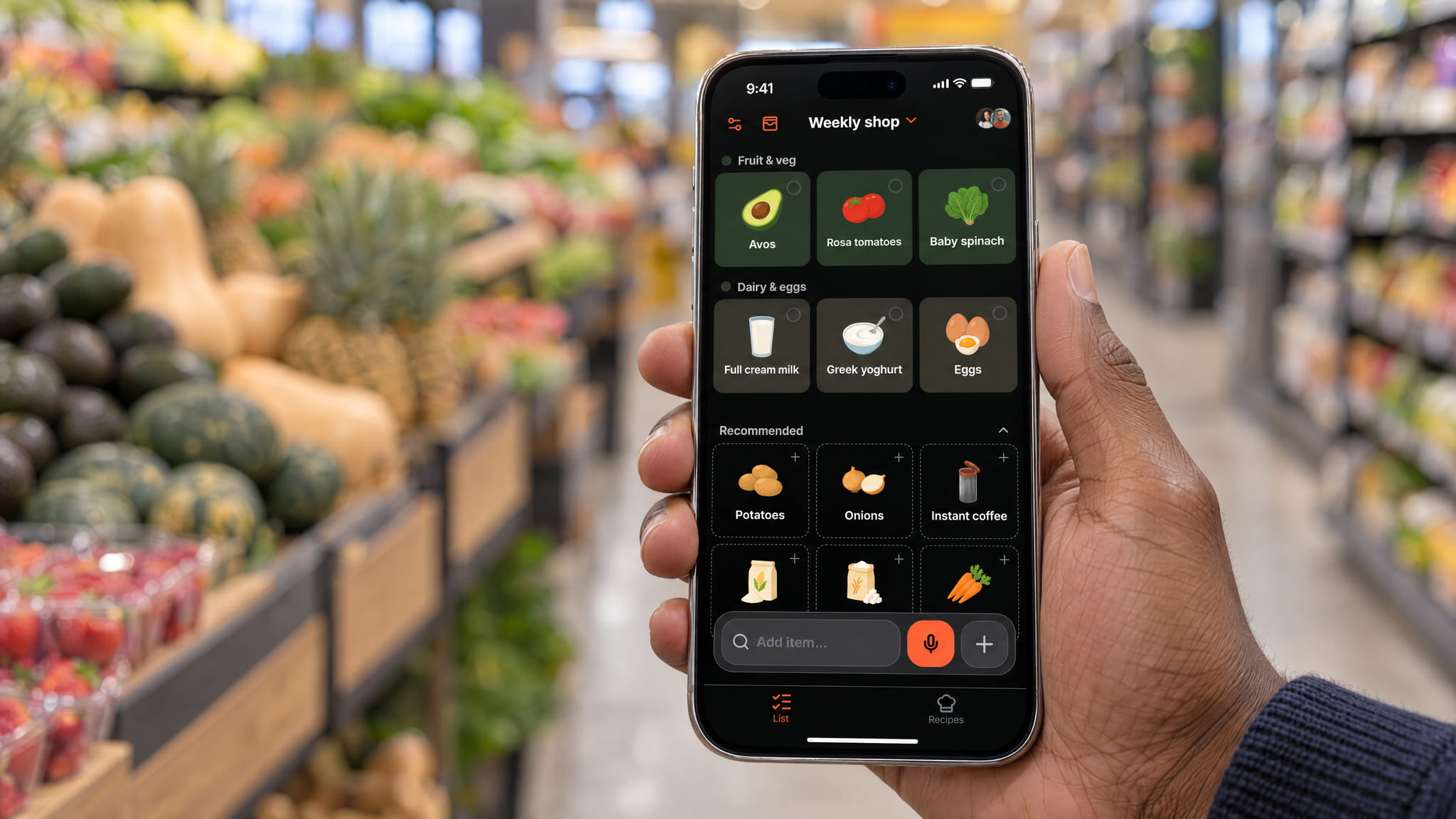
Berlin, 7 October 2026. SuperPlan, a free shopping list for iPhone and Android that the whole household shares, launches today. Items can be typed, dictated, shared from WhatsApp or taken from a photo of a paper list. The app also understands recipes from Instagram, TikTok or a cookbook and saves them. The ingredients then go straight onto the shopping list. The app was built by the team behind SuperCards.
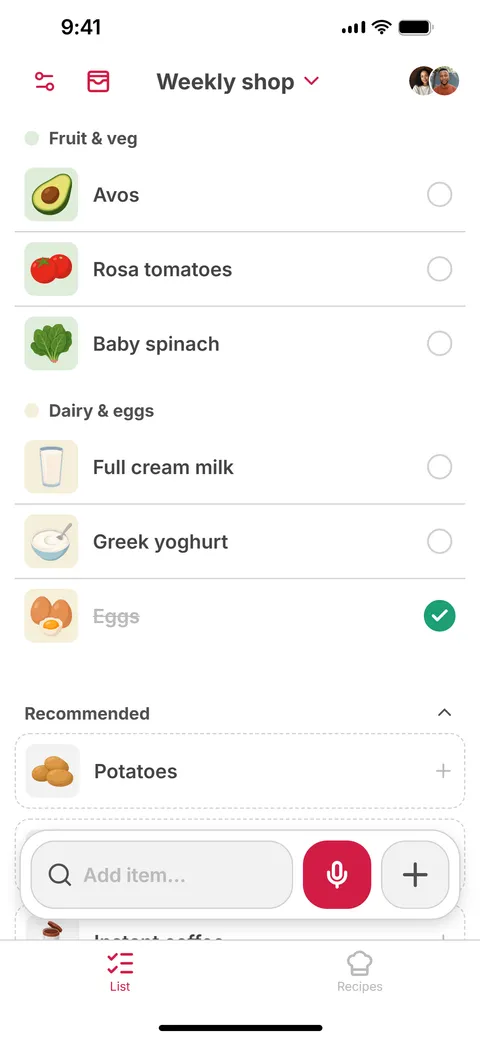
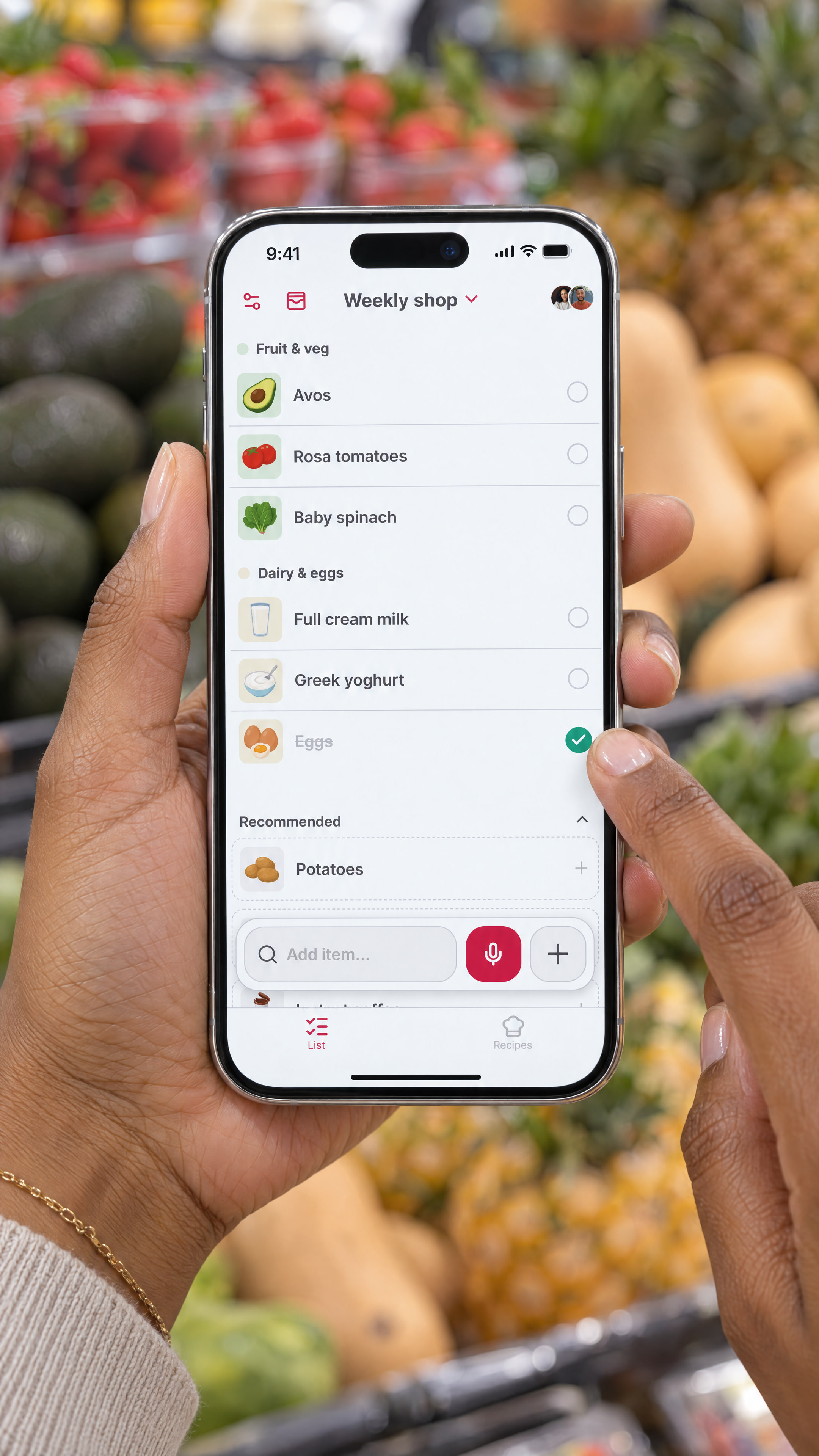
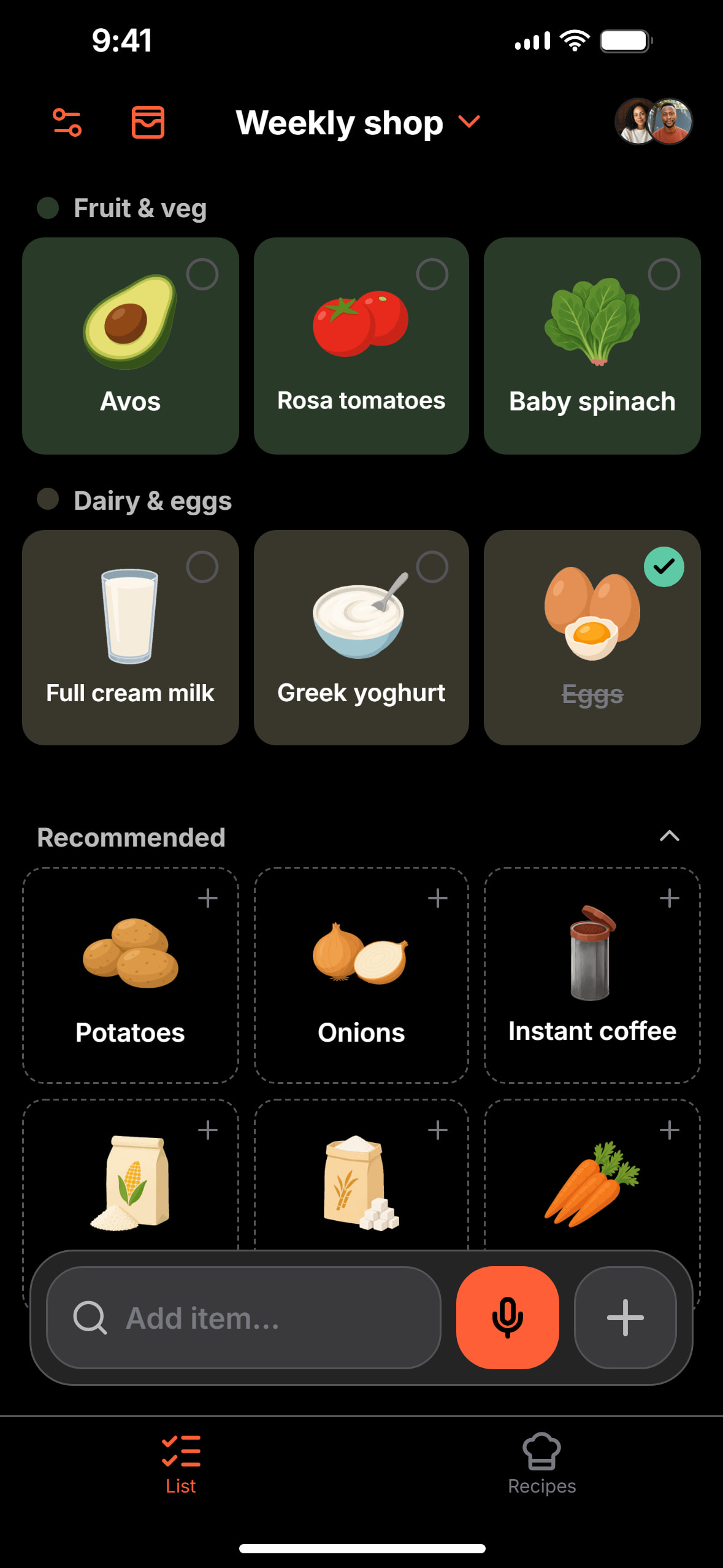
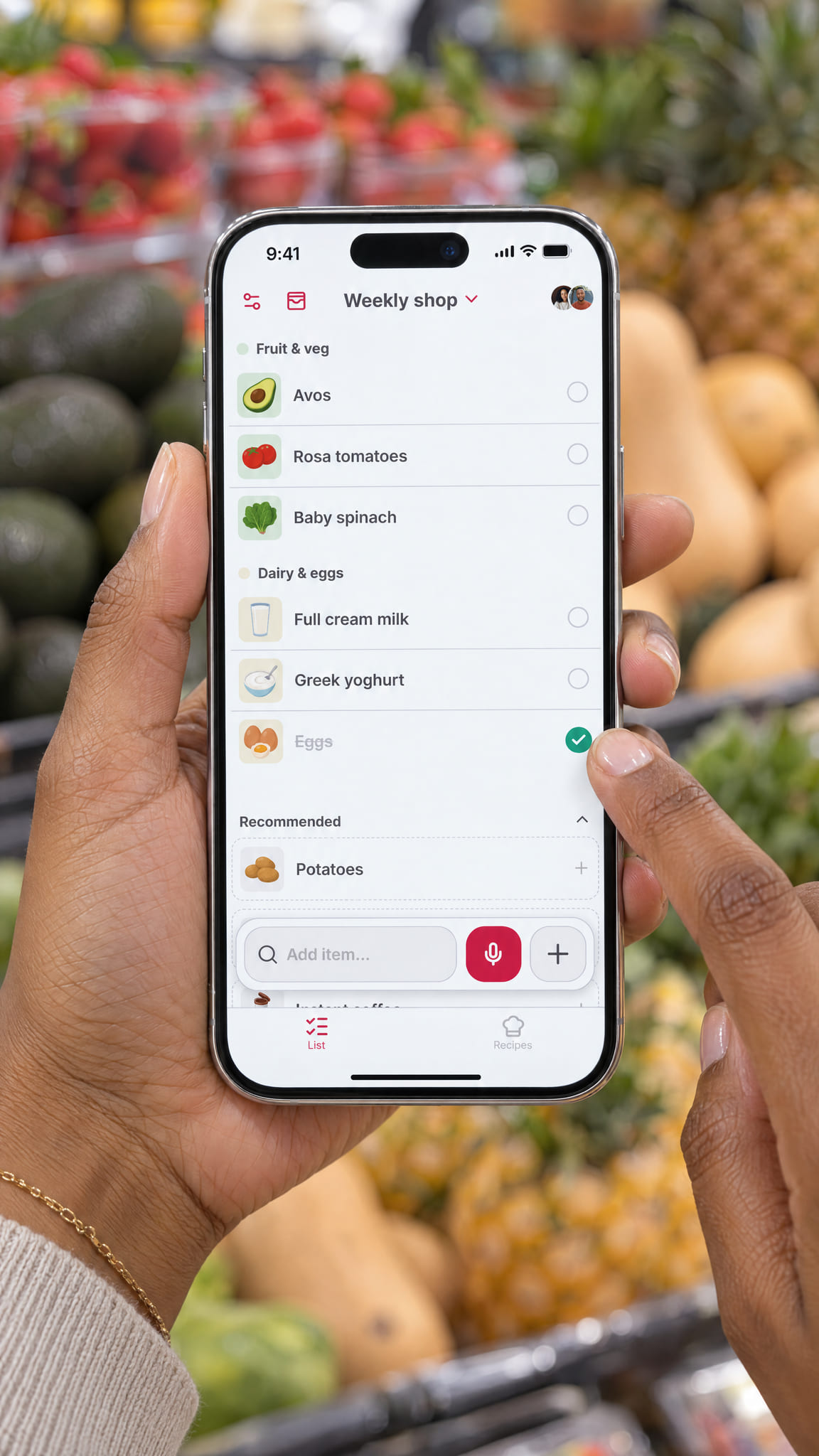
The app recognises thousands of products, shows each with an icon and sorts items into the right categories. That also works for words that are not in its catalogue. Lists are shared by link, and changes show up for everyone straight away. The list also works offline.
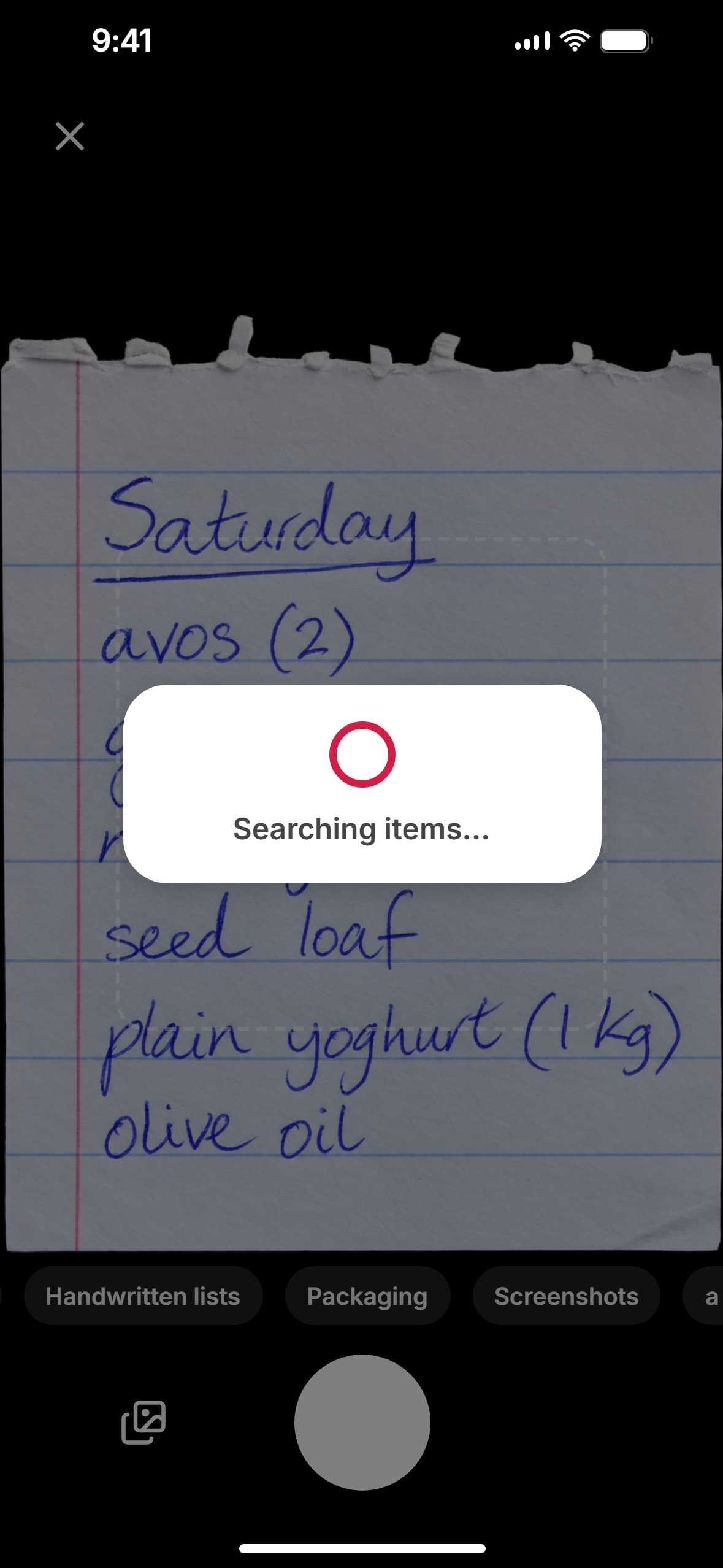
For voice input the app uses its own speech AI, built only for shopping. It recognises items, quantities and corrections in mid-sentence. If you say “um, five apples, no, six, and milk”, six apples and milk end up on the list. If someone in the family sends what they need on WhatsApp, you simply share the message with the app. That works with voice notes too. A photo of a paper list, the family planner on the fridge or an old receipt also becomes a list.
“We were missing a shopping list that can handle everything. Whether it’s a WhatsApp voice note, a paper list, an old receipt, an Instagram recipe or Ouma’s cookbook, what you end up with is a nice, tidy list,” says David Handlos, who runs SuperCards.
Show the full release · 500 words
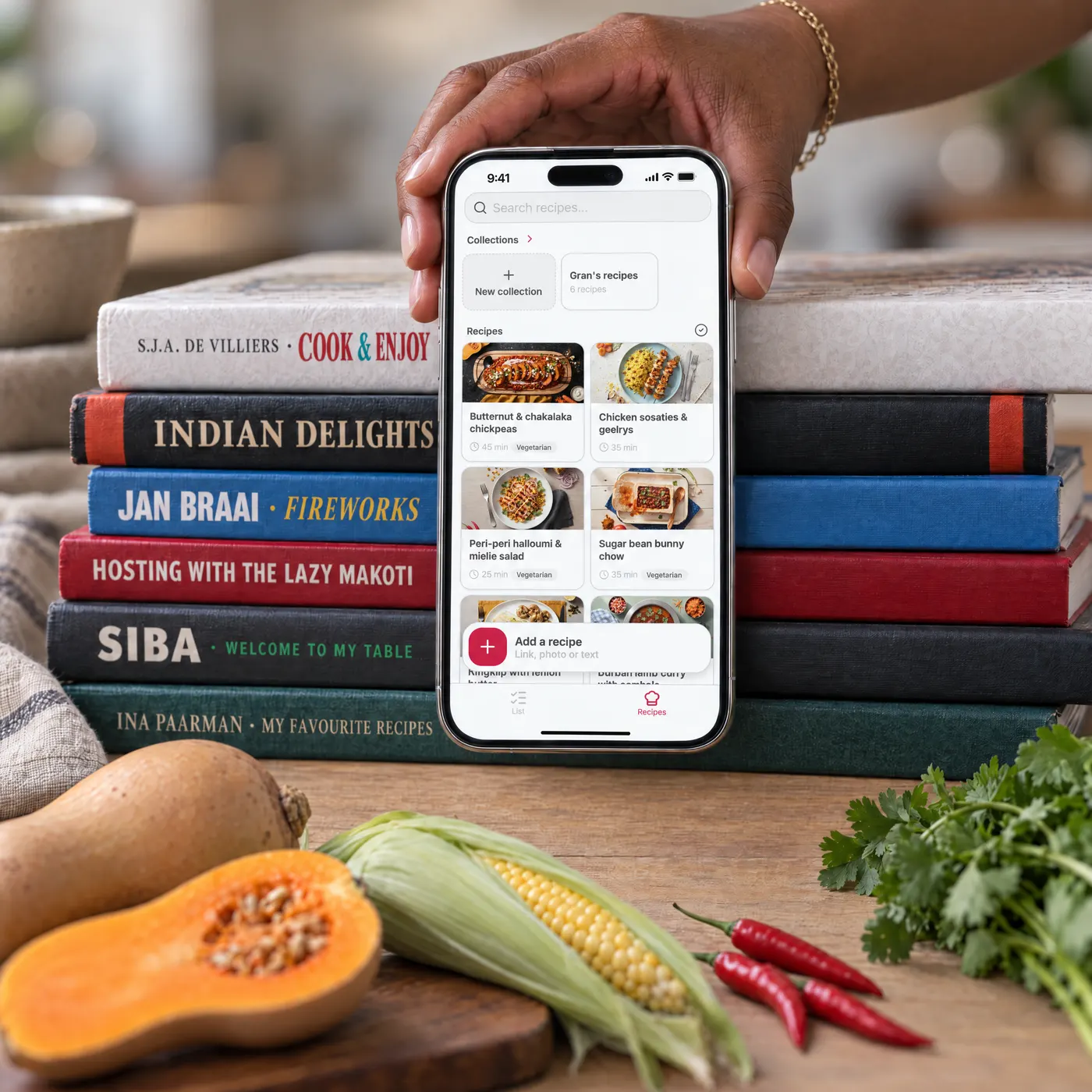
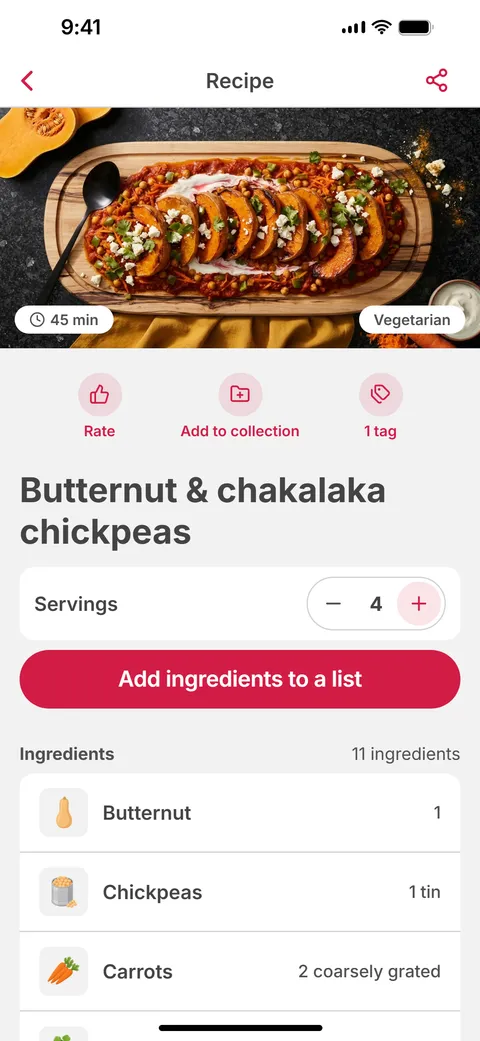
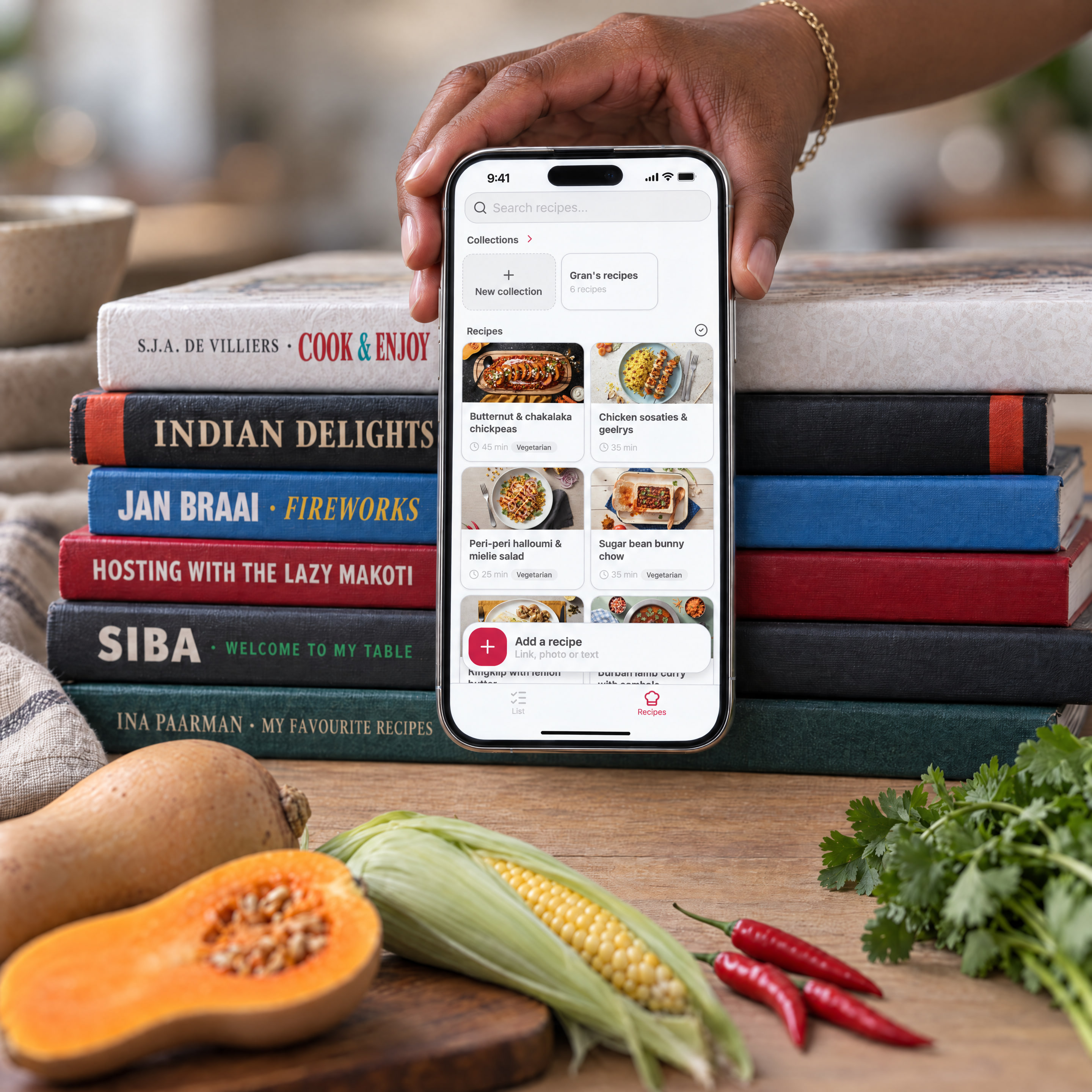
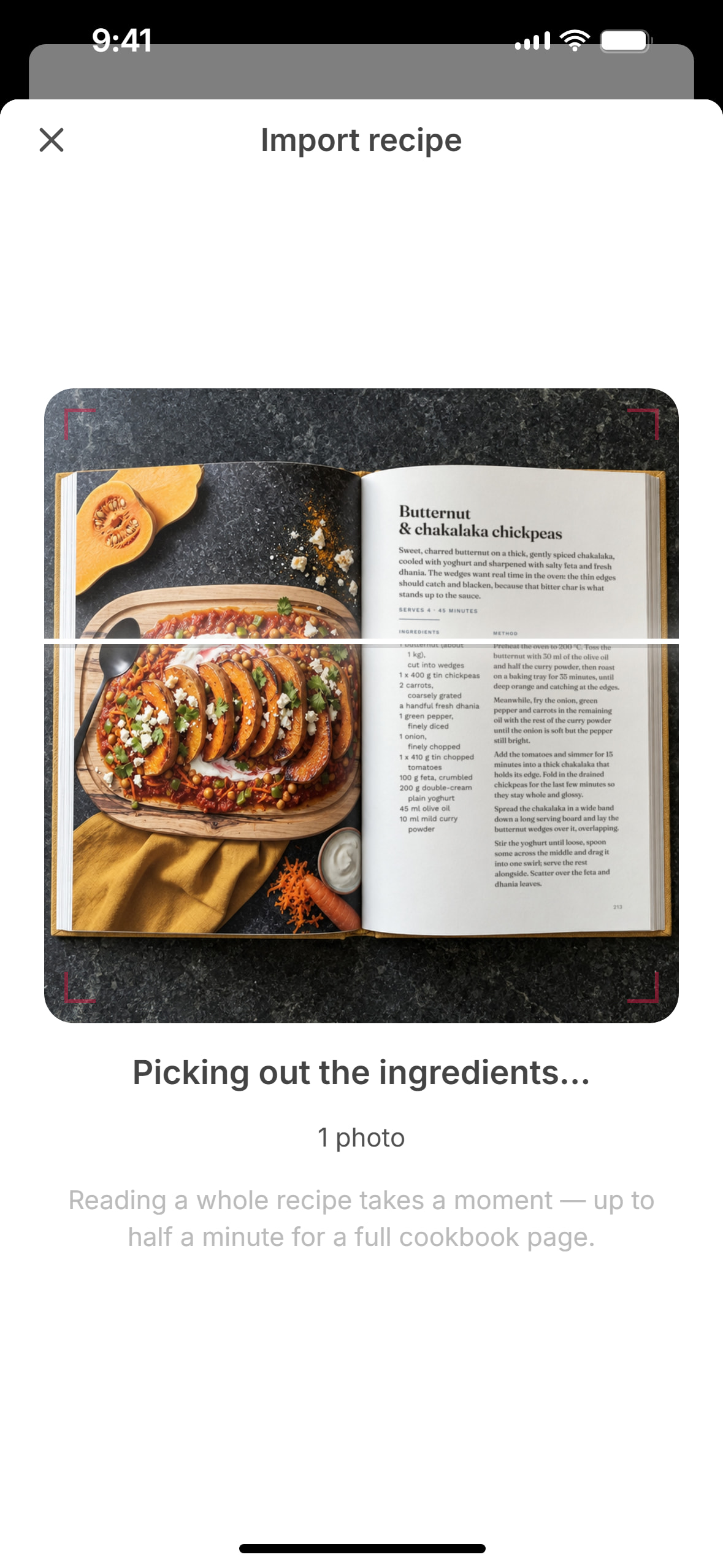
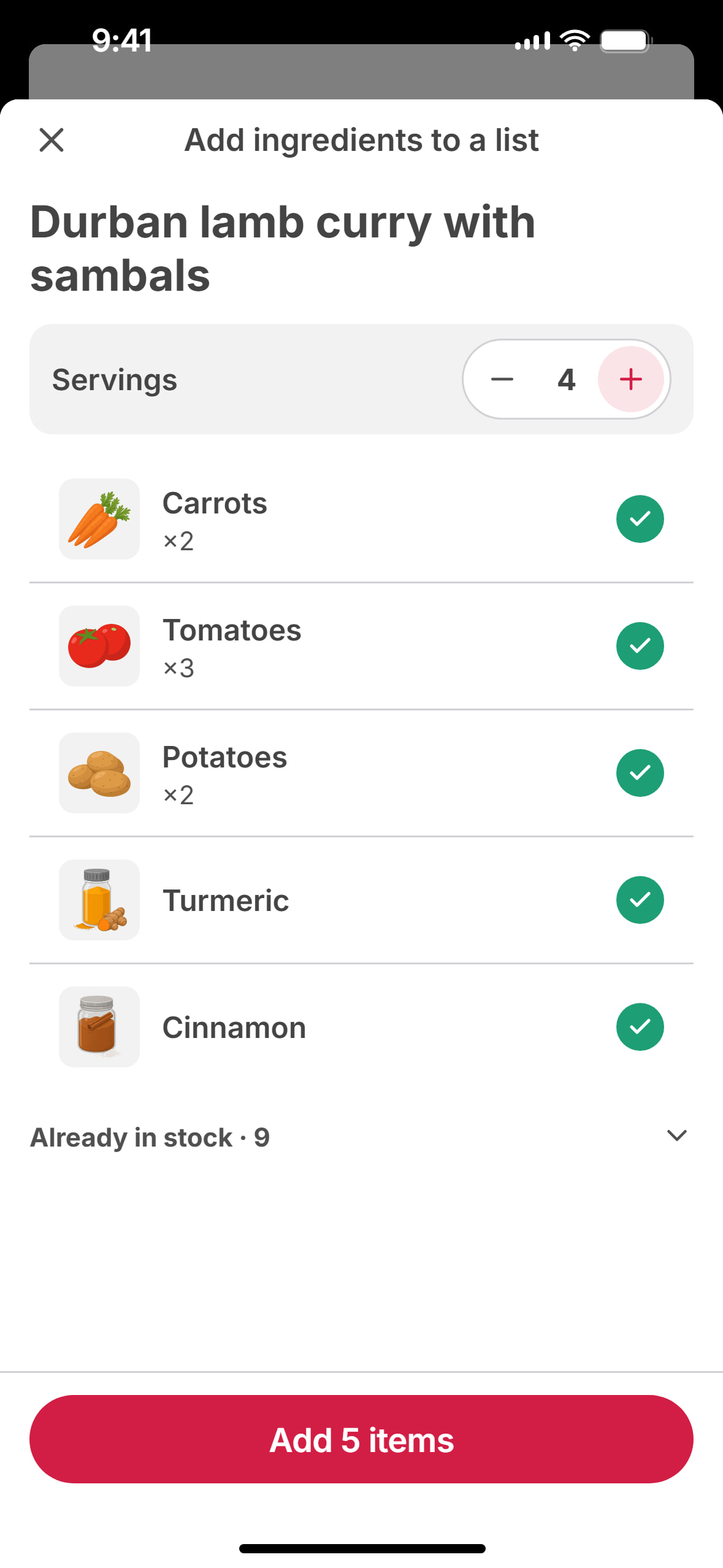
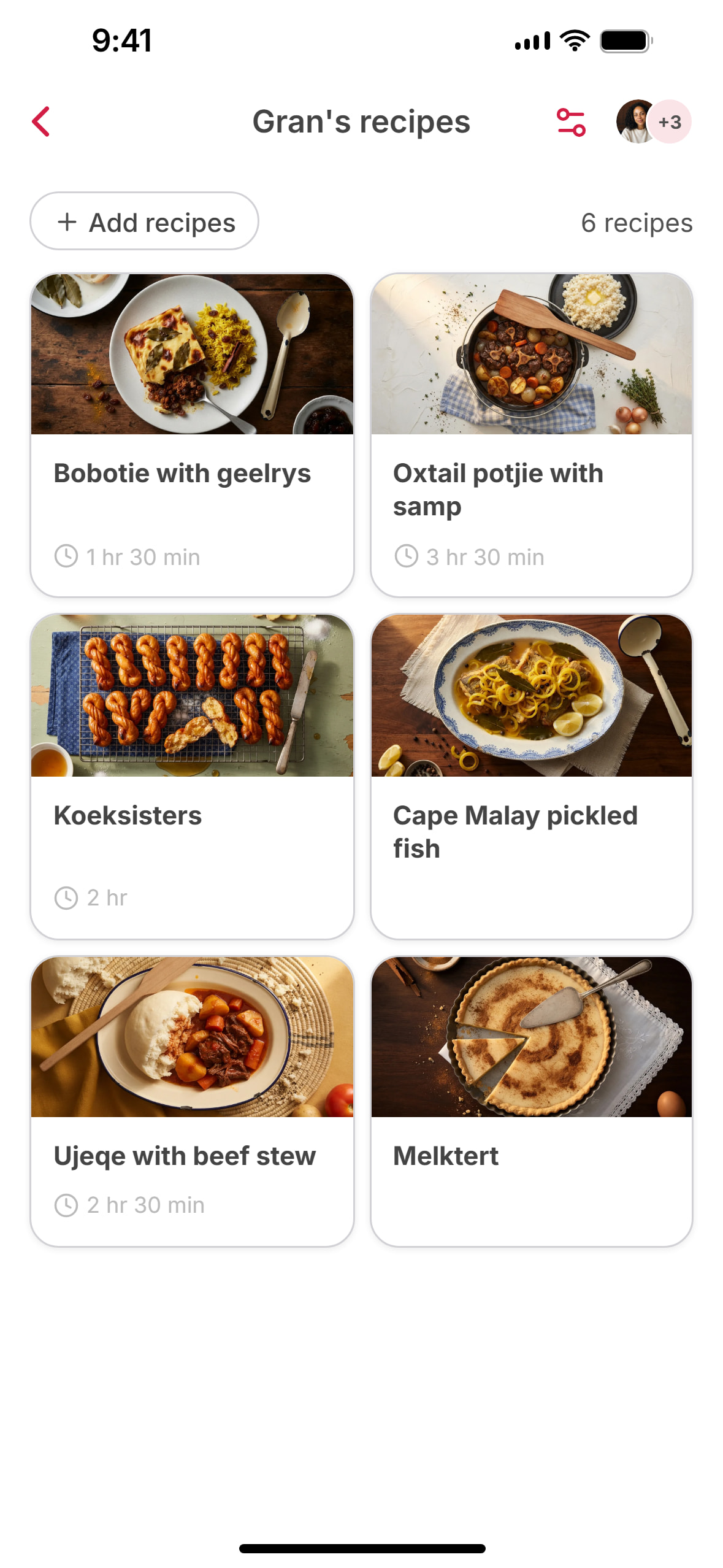
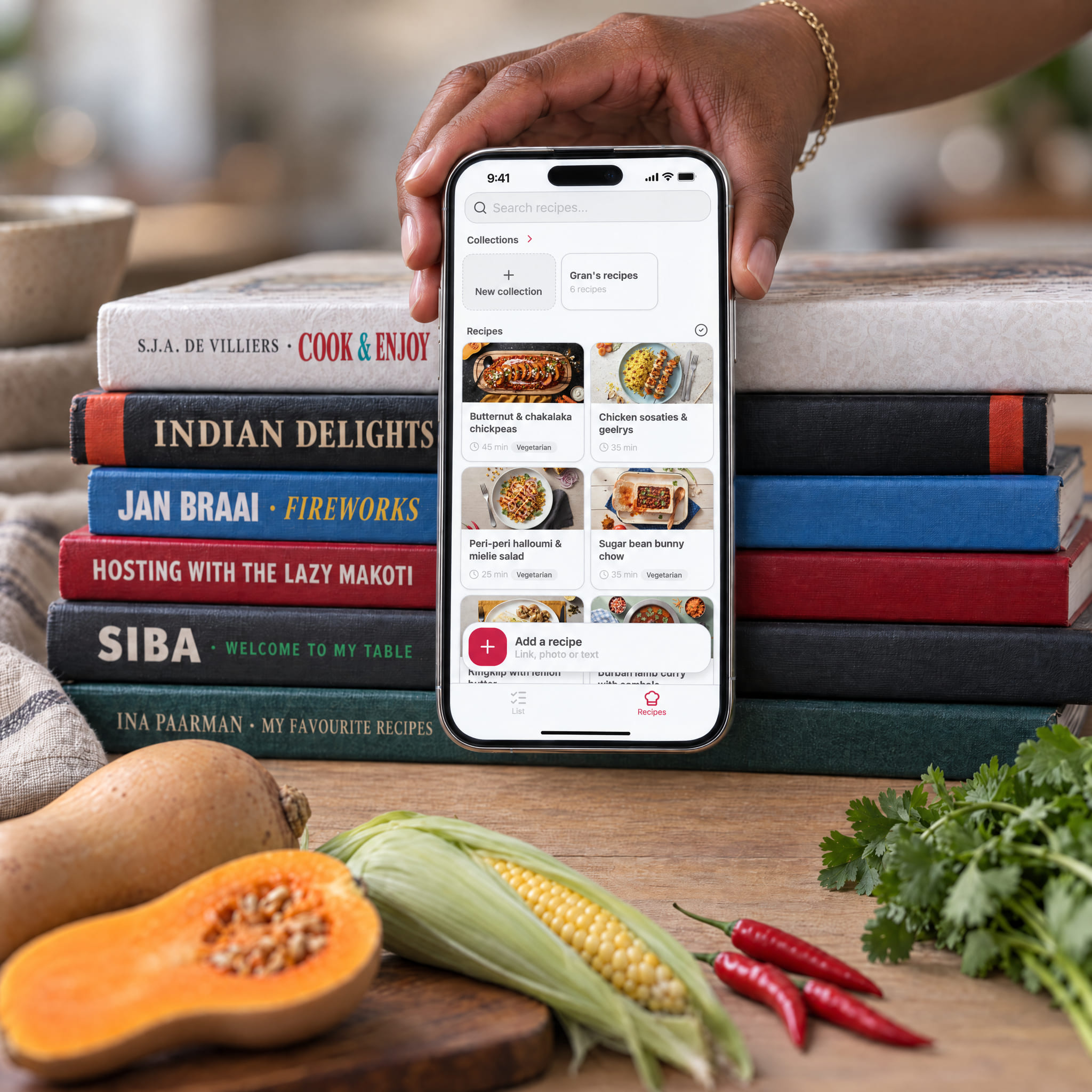
SuperPlan imports recipes from Instagram, TikTok, YouTube, Pinterest, Facebook and websites. A cookbook page or a handwritten recipe card can also be photographed. The text recognition for this was developed in-house and also reads yellowed pages and handwriting. It turns them into ingredients and detailed cooking steps with timers. Every recipe gets a matching picture. One tap puts the ingredients on the list, scaled to the number of servings needed.
The app is free to download. Creating, sharing and syncing lists is unlimited and does not require a subscription. The AI features come with a free weekly allowance, and a Premium subscription removes the limit. The app has no ads and works without an account.
SuperPlan is a shared shopping list with a recipe collection for iPhone and Android. It comes from the Berlin team behind SuperCards, the loyalty card app with 4 million users. David Handlos runs SuperCards and before that co-founded Stocard and grew it to more than 50 million users. Also on the team are Stocard co-founder Florian Barth and Mark Himmelsbach, who helped build Stocard from the very start.